Stars for the good stuff.
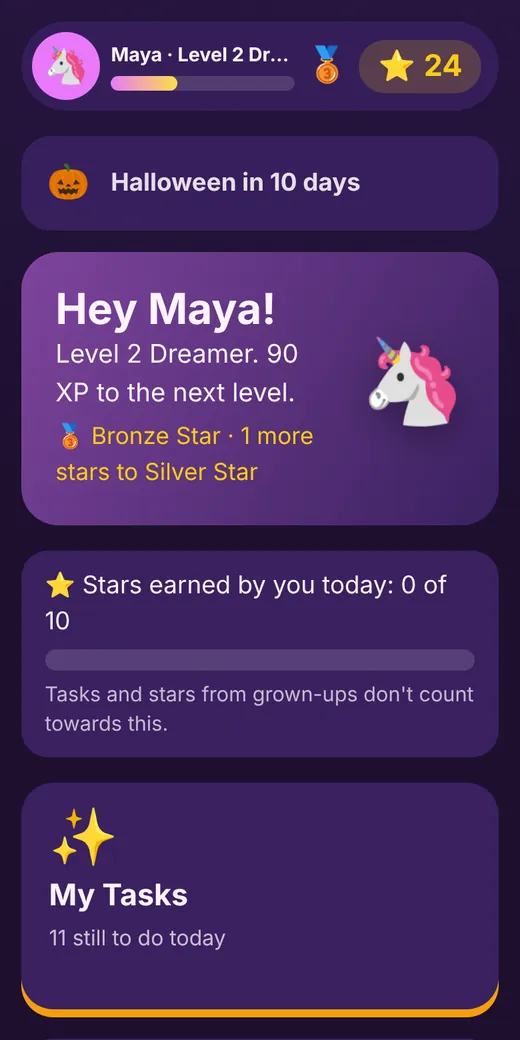
A family star chart that lives on your phones and tablets. Kids tick off their jobs, read stories and play brain games. You check it, they earn stars, and they spend them on rewards you choose.
For children aged 3 to 16. On Google Play now, iPhone app coming soon, or use it in your web browser on any phone, tablet, Kindle Fire or computer.
The Parkers' star chart
See Little Legends in action
40 seconds, with sound. Tap play.
How a day works
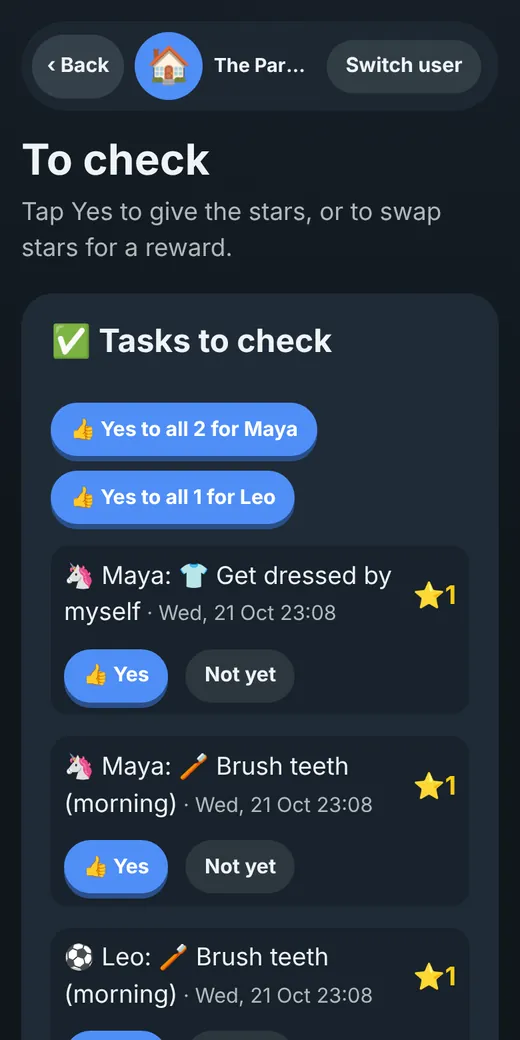
The same routine every day, so kids know exactly what earns a star. Nothing counts until a grown-up says yes.
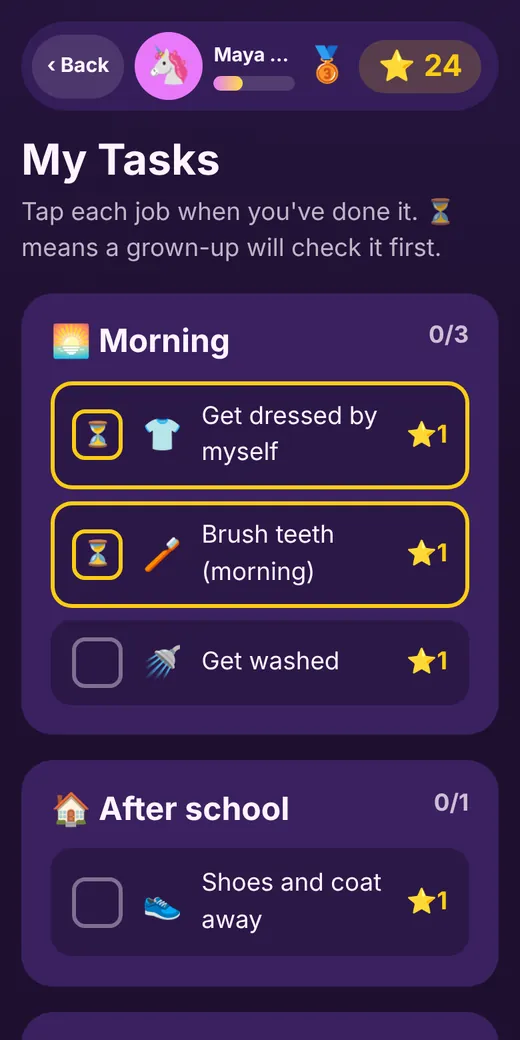
Jobs appear on their tablet
Morning, after school and bedtime lists, made from ideas that suit their age. Or write your own.
They tick them off
"Brushed my teeth." "Read for 20 minutes." "Gave Nan a hug." Each tick goes to you to check.
You say yes
One tap on your phone, wherever you are. Or "not yet", and no star.
Stars become rewards
They save up for things you've chosen, like an extra story at bedtime or a trip to the park.
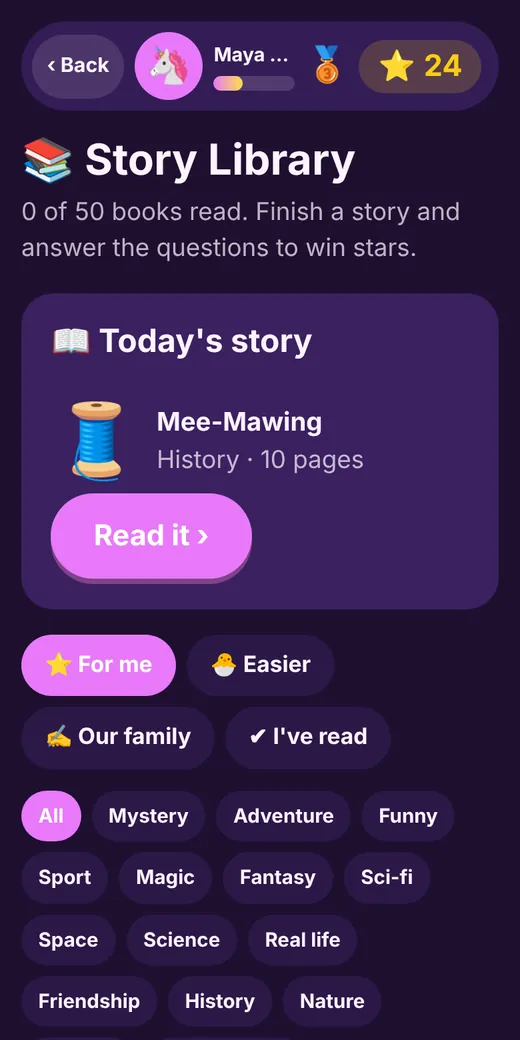
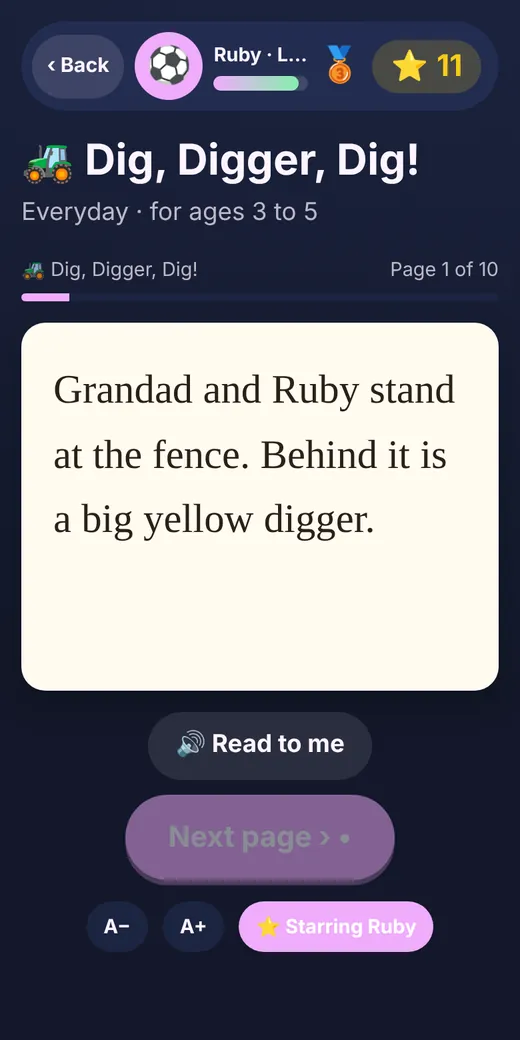
190 stories, written just for Little Legends
A whole library on the tablet, with a different story every day or any book they choose.
- Picture-book stories for 3 to 5 year olds, with a "Read to me" button
- Early readers, adventures, mysteries and proper short stories for teens
- Younger stories can star your child, using their own name
- A few questions at the end win stars, plus something to talk about together
- Kids and grown-ups can write their own stories for the family shelf
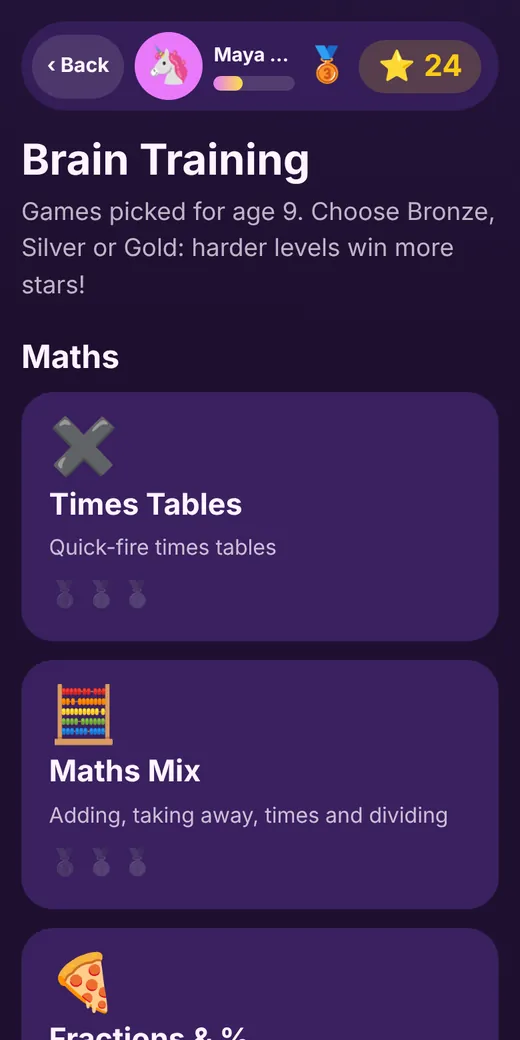
Brain games that grow with them
Bronze, Silver and Gold levels in counting, spelling, times tables, fractions, algebra and more.
- Picked automatically for their age, from shapes and colours up to GCSE-style maths
- Harder levels win more stars
- You choose a daily limit, so stars can't be "farmed"
Kindness, calm, and a little friendly competition
Three kindness missions a day, made from the people and pets in your home.
- "Ring Grandad to say hello." "Check Pepper has fresh water." Over 200 ideas
- A Calm Zone with breathing and cool-down tools, for big feelings
- Thank-you notes and shout-outs between brothers and sisters
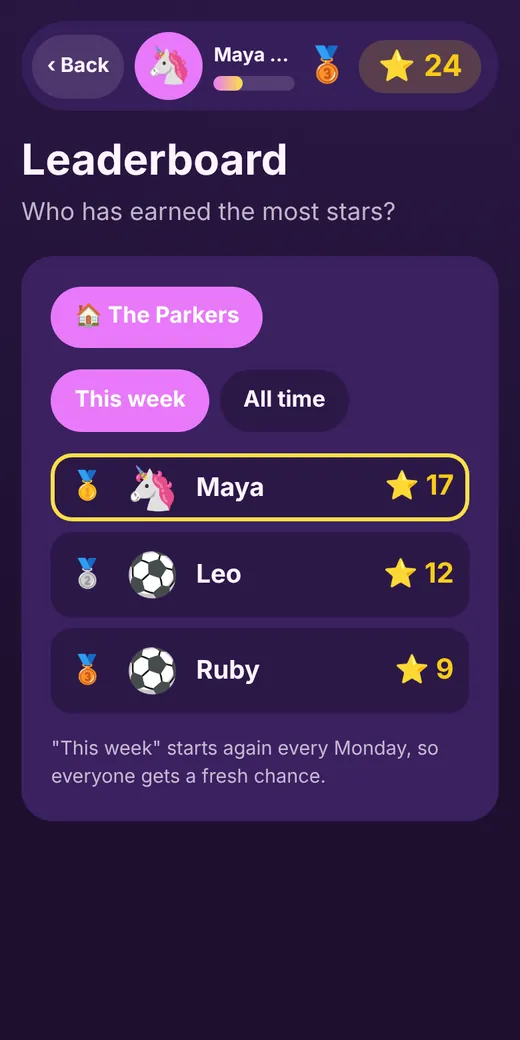
- A family leaderboard, and shared boards with cousins if you both agree
One app from 3 to 16
Add each child with their birthday. Their jobs, games and stories change as they grow, and they pick from 37 worlds to make it their own, from dragons and fairies to football and trains.
Little ones
Simple jobs with a grown-up, picture-book stories read aloud, shapes, colours and counting.
First readers
Early-reader stories, phonics and spelling, adding up, telling the time.
Getting going
Times tables, fractions, longer stories, more jobs around the house.
Teens
Algebra and money maths, short stories with real twists, bigger responsibilities.
Made for grown-ups to run
- You decide what counts
- Kids claim, you check. Stars only arrive when you say yes.
- Limits that stop the cheating
- Set the most stars they can earn by themselves each day, and how often rewards can be bought.
- Every grown-up gets their own login
- Invite a partner, grandparent or carer. Star history shows who gave each one.
- Kids don't need an email
- You make them a username and password. They choose their own PIN.
Safe by design
- No adverts, no tracking
- Nothing is sold, and children never see links to other websites.
- Photos stay in your family
- Only your own family can ever see them.
- Connections need a yes from both families
- Connected families see first names, characters and stars only. Never photos, birthdays or feelings.
- Stored in Europe, deleted whenever you like
- Kept securely in Google's data centre in Belgium. Delete a child or your whole family at any time.
Get the app
Download it from Google Play on Android, or use it straight from your web browser on any device. Add it to your home screen and it opens full screen, just like any other app.
iPhone and iPad
Our App Store app is coming soon. For now, open little-legends-app.com/app in Safari, tap Share, then Add to Home Screen.
Android
Get it on Google Play: follow the 3 quick steps below. Or open it in Chrome, tap the three dots, then Install app.
Kindle Fire
Open it in Silk, tap the menu, then Add to Home.
Computers
In Chrome or Edge, click the install icon at the end of the address bar.
▶️ Get Little Legends on Google Play Early access
We're in early access on Google Play. It takes three taps on your Android phone, using the Google account your phone is signed in with.
Early testers get 3 months of Premium free as a thank you: message us on WhatsApp once you've installed it.
Questions
Is it free?
Yes. Stars, tasks, rewards, all 190 stories, the brain games and leaderboards are free for up to 2 children. Premium adds school spelling lists, a weekly report, a routine helper, two-homes support and more for £1.99 a month or £20 a year. Your first month of Premium is free when you subscribe, and you can cancel any time in that month without paying anything.
Do I need to download anything?
No. It works in any up-to-date web browser on phones, tablets and computers. Adding it to your home screen makes it feel like a normal app.
Can each child have their own tablet?
Yes. Give each child a login and their tablet opens straight to their side. Or share one family tablet, and each child taps their own name.
Can grandparents or a second parent join?
Yes. Make an invite code in the grown-ups' section. They make their own login and see the same children, stars and tasks.
What stops kids giving themselves stars?
Anything they claim waits for a grown-up to say yes, and there's a daily limit on stars they can earn by themselves from games and stories.
Who writes the stories?
Every story was written for Little Legends. They're original, set in Britain, and checked to be right for each age.
How do I get help?
Message us on WhatsApp. A real person reads every message. Once you've signed up, you can also use "Chat with us" in the grown-ups' Help and support.
How do I delete our data?
Go to Grown-ups, then Settings, then Delete. Everything is removed straight away.
Ready to start your star chart?
It takes about five minutes to set up your family.